GenMedia Creative Workflow demo
The primary purpose of this demo is to showcase a tangible, end-to-end workflow that uses GenAI to solve a real-world creative challenge. It’s designed to move beyond simple, one-off AI generations and demonstrate how a series of interconnected AI tools can be orchestrated to produce high-quality, on-brand creative media.
The demo does the following:
- Takes initial inputs - product details, images, brand guidelines, and a simple brief - and transforms them into a concrete creative output: a detailed video prompt ready for generation with a tool like Veo 3.
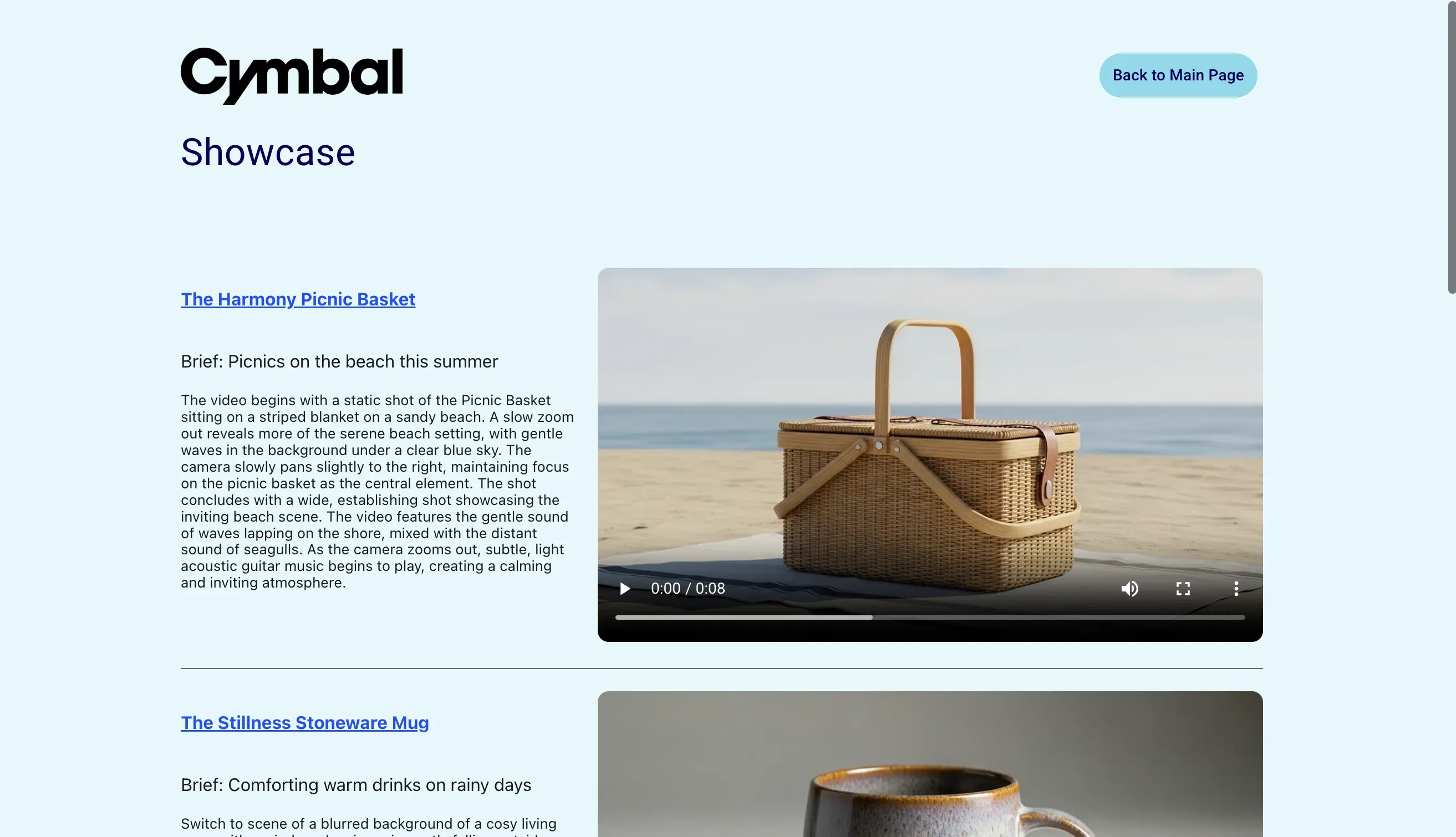
- Includes a showcase to display pre-made examples, which is crucial for demonstrating the final output without the delay of live video generation.
This app is built with Mesop, a Python-based UI framework that enables you to rapidly build web apps like this demo and internal apps.
Created using:
mesop 1.0.1google-genai 1.20.0Screenshots
Section titled “Screenshots”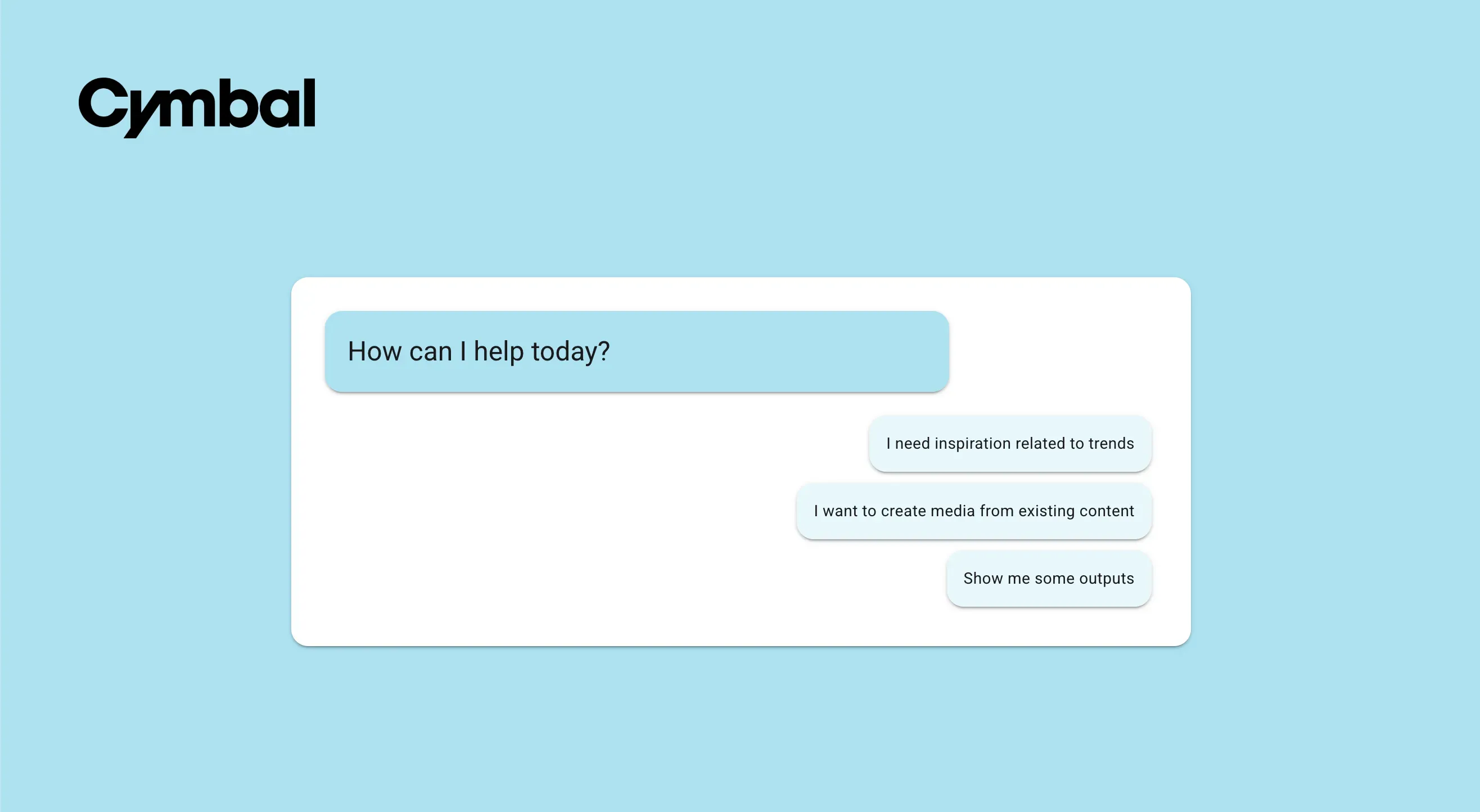
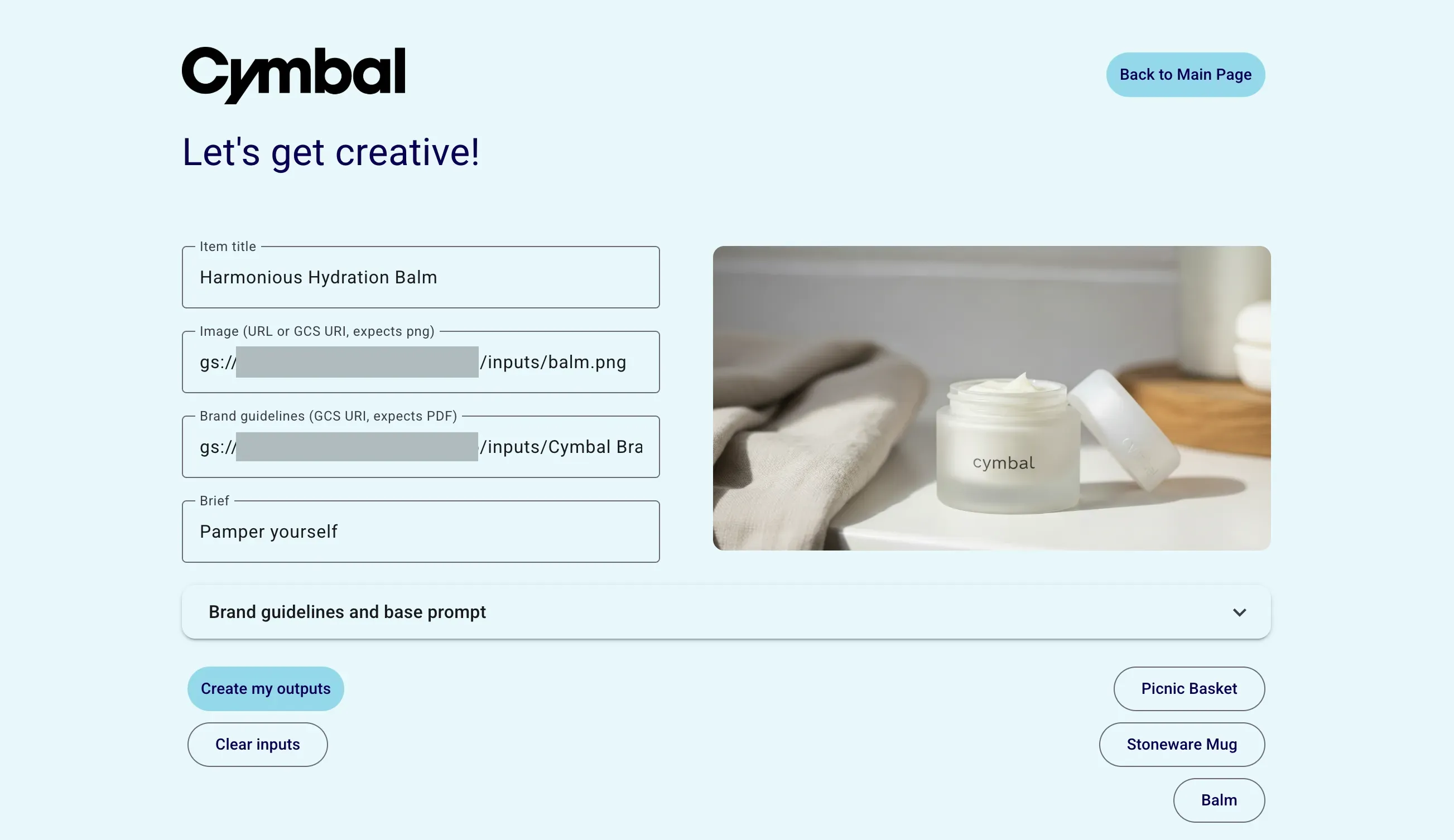
Run locally
Section titled “Run locally”Requires the following environment variables:
export PROJECT_ID=YOUR_PROJECT_IDexport LOCATION=YOUR_LOCATIONexport BUCKET=YOUR_BUCKETRequires the following structure in your Google Cloud Storage bucket, where inputs contains images and a brand guidelines document you will use as input to the workflow and outputs contains sample output videos:
$YOUR_BUCKET├── inputs│ ├── brand_guidelines_doc.pdf│ ├── product_image1.png│ ├── product_image2.png│ └── product_image3.png└── outputs ├── sample_output_video1.mp4 ├── sample_output_video2.mp4 ├── sample_output_video3.mp4 └── showcase_outputs.csvThe Showcase page uses the outputs/showcase_outputs.csv file which has details of the showcase videos to include. It uses the following format (note that the app expects these titles as-is):
item_url,title,brief,prompt,video_urihttps://cymbal.com/item,Item title,Brief details,Prompt used,uri-hereThen follow the instructions in the README at the top level of this repo.
Deploy to Cloud Run
Section titled “Deploy to Cloud Run”Similarly, using the environment variables and GCS bucket structure detailed above, follow the instructions in the README at the top level of this repo.
Disclaimer
Section titled “Disclaimer”This is not an officially supported Google product. This project is intended for demonstration purposes only. It is not intended for use in a production environment.